
Secure VPN, no-logs privacy and open internet
Protect your traffic, location and online freedom with Proton VPN
We protect your traffic, location and online freedom with high-speed encrypted tunnels, a strict no-logs policy and a global VPN network built for public Wi-Fi, travel, remote work, streaming and everyday browsing.
- 20,000+
- High-speed servers
- 140+
- Countries and regions
- 10 Gbps
- High-speed lines
- 0
- Browsing logs stored
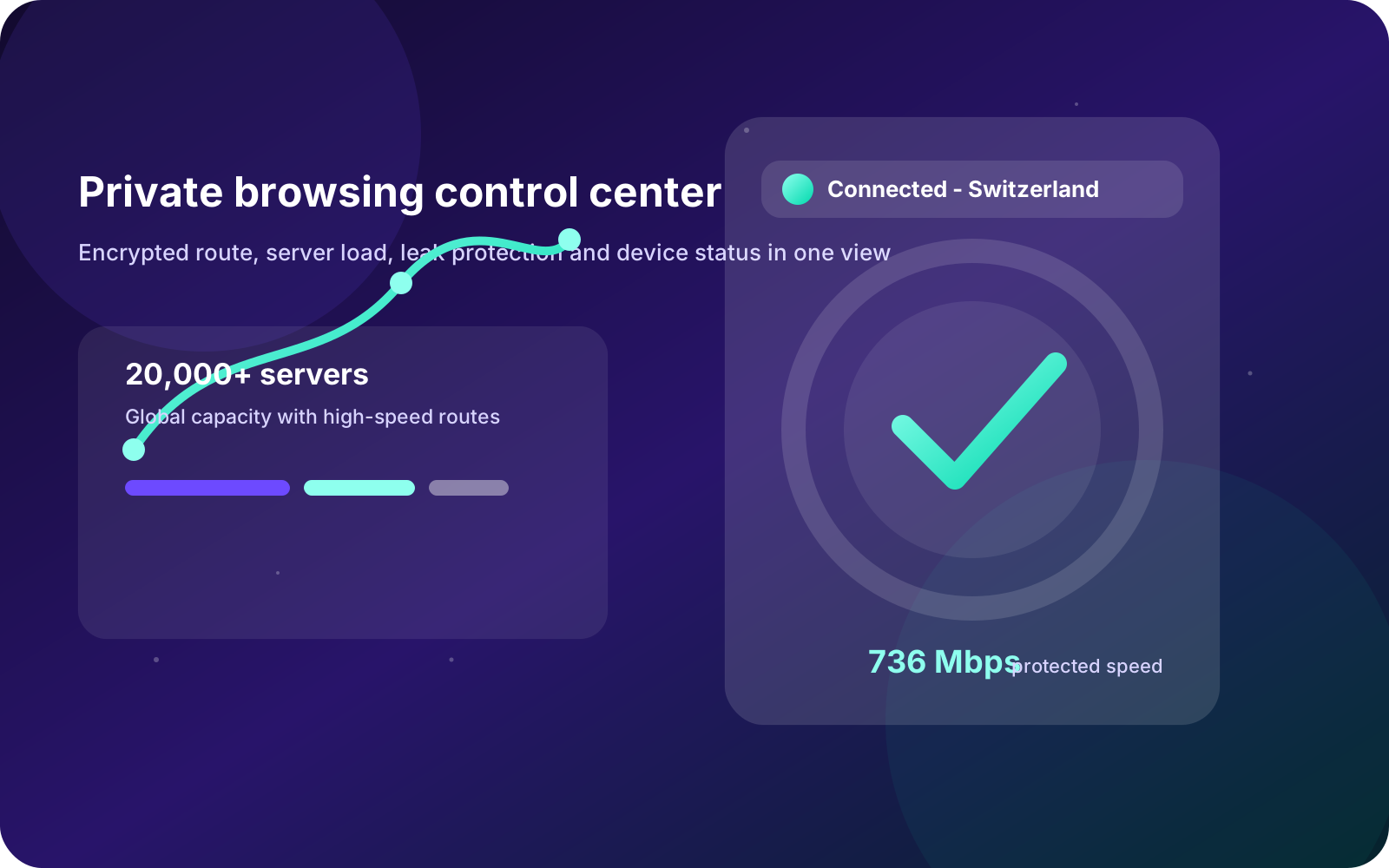
Privacy platform
Manage connection, encryption, blocking and device protection in one place
Proton VPN gives individuals, families and remote teams a clear privacy experience across fast servers, country selection, Secure Core, NetShield, Kill Switch and leak protection.
Privacy infrastructure
From proxy tools to auditable privacy infrastructure
A modern VPN is more than an IP switcher. Users need to know whether browsing logs are stored, whether DNS or real IP can leak, whether the server network is stable, and whether high-risk networks get extra protection.
01
Identify risks: public Wi-Fi, travel access, trackers, DNS leaks and unprotected fallback.
02
Build protection: no logs, encrypted tunnel, Kill Switch, NetShield and Secure Core.
03
Keep verifying: open source apps, audits, transparent numbers and clear plan boundaries.
Core system
More than a connect button
Each feature explains the risk it solves, the scenario it fits and the experience it changes, from public Wi-Fi and travel to remote work, streaming and gaming.
Strict no-logs policy
The most important VPN promise is not only speed but whether it stores data that can reconstruct browsing behavior.
Secure Core routing
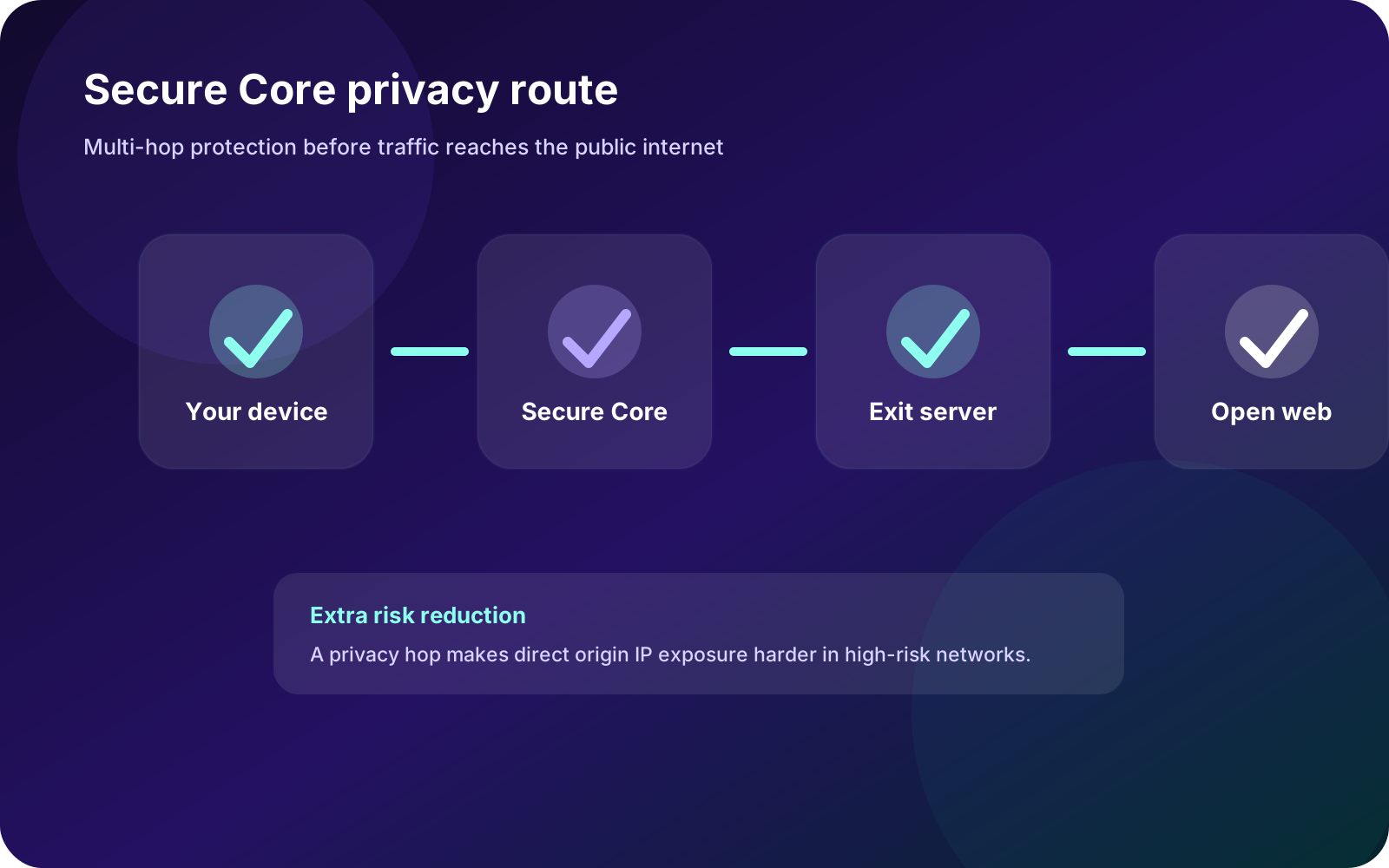
Traffic can route through privacy-friendly core servers before reaching exit nodes, reducing exposure in higher-risk conditions.
NetShield blocking
DNS-level filtering helps block ads, trackers and malicious domains before pages finish loading.
VPN Accelerator
Protocol optimization and routing improvements help long-distance connections keep more usable speed.
Kill Switch and leak protection
If the VPN drops, Kill Switch prevents traffic from falling back to an unprotected connection.
Streaming, P2P and gaming
Scenario-based nodes make it easier to choose routes for video, file transfer, games and remote work.
Secure Core
Extra privacy routing for higher-risk networks
Secure Core is not about making every connection faster. It reduces single-exit exposure in sensitive scenarios and clearly explains the speed tradeoff.
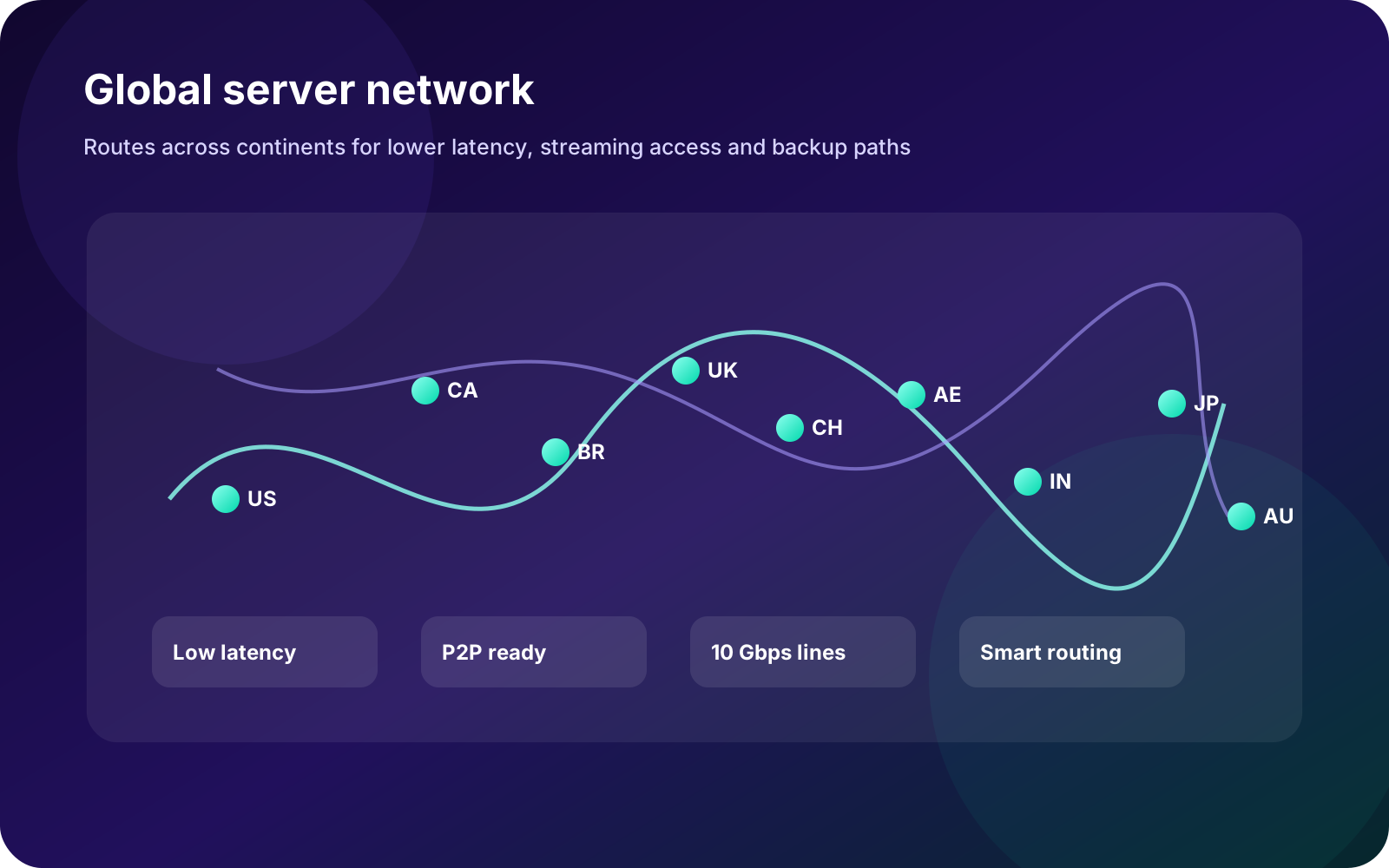
Global network
Server choice matters because routes behave differently by region
Across cities, countries and ISPs, routes behave differently. Proton VPN uses performance and coverage data to help you choose better servers by distance, load and use case.
Multi-device
Desktop, mobile, Linux, browser and TV entry points
Whether you use Windows, macOS, Linux, iOS, Android or browser extensions, one account keeps protection consistent.
Recommended
Windows
For primary workstations, remote work and long sessions with Kill Switch and split tunneling.
Download Windows Desktop
macOS
For Mac users who need encrypted connections on public networks.
Download macOS Mobile
iOS
For iPhone and iPad privacy while traveling, commuting or using hotel Wi-Fi.
Download iOS Mobile
Android
For Android phones, tablets and TV devices across Wi-Fi and mobile data.
Download Android Developers
Linux
For developers, operators and terminal-heavy workflows.
Download Linux Extension
Browser
For users who want a lightweight browser-only VPN layer.
Install extensionProtection scenarios
Protection across devices, streaming and transparent privacy
Proton VPN brings device protection, global routing, Secure Core, streaming support and transparent privacy controls into a clear product experience.
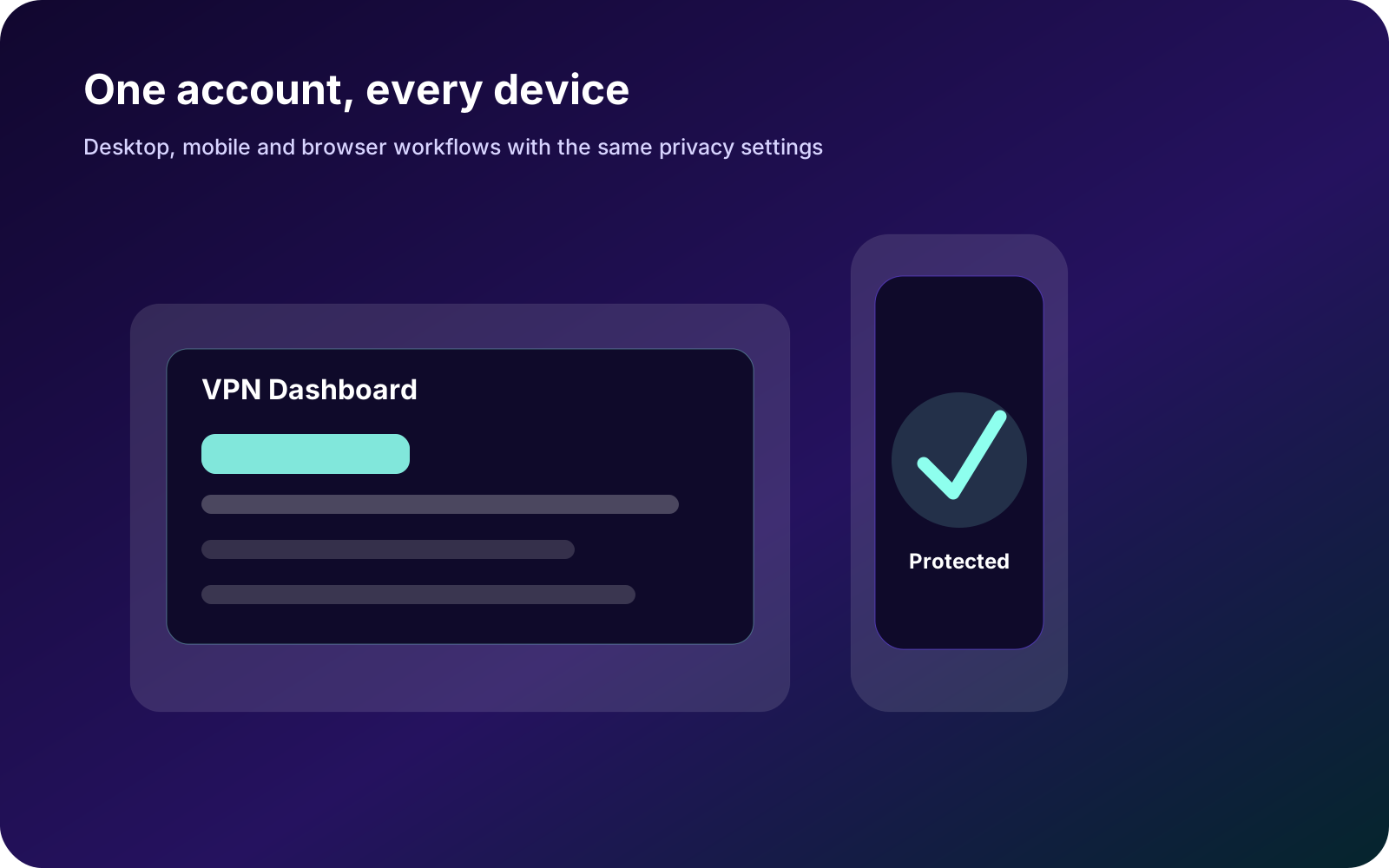
Device coverage
Use one privacy setup across desktop, phone and tablet for consistent protection at work, while traveling and at home.
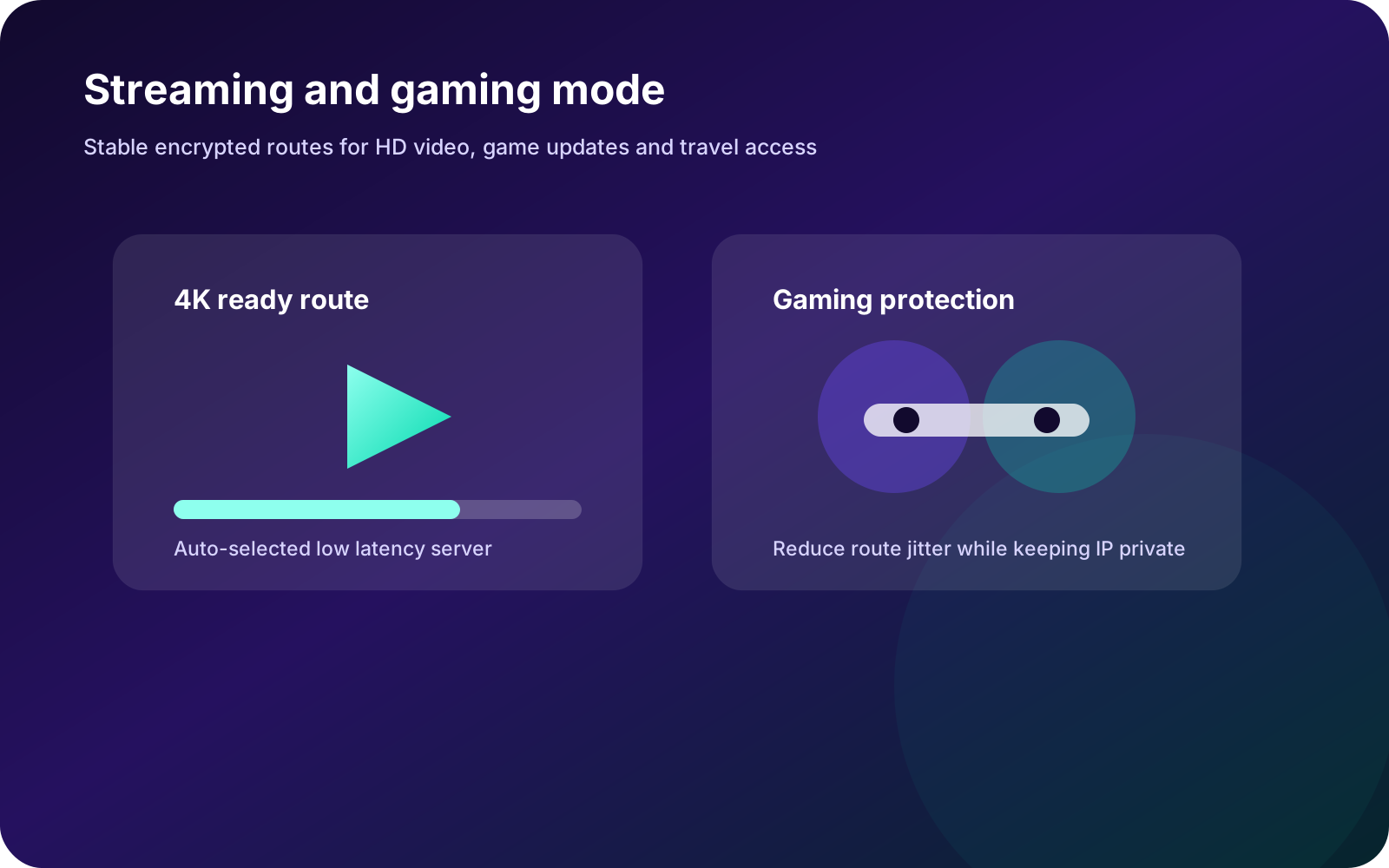
Streaming and gaming
Low-latency routes and stable servers help video, game updates and regional entertainment access stay protected.
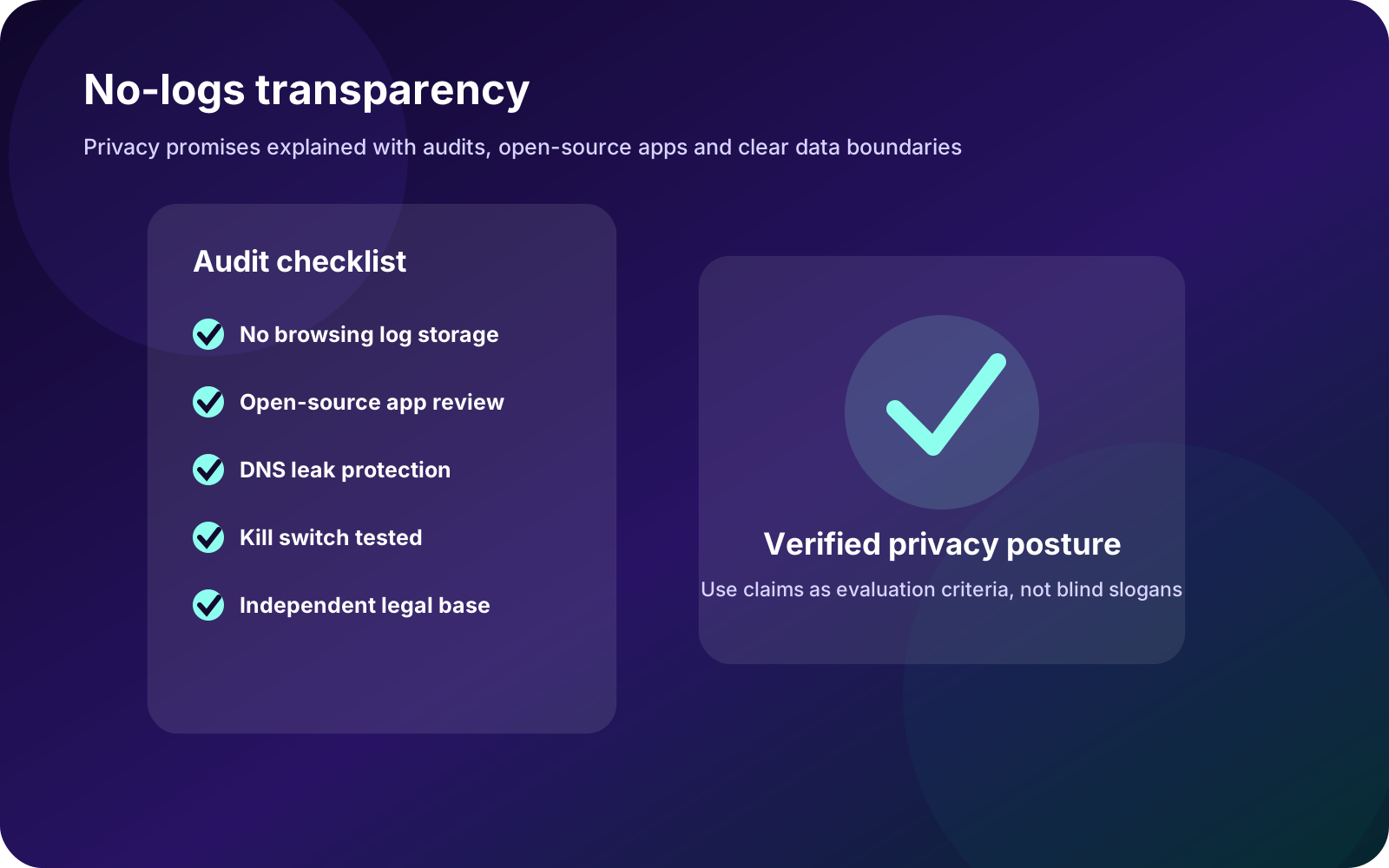
Audit transparency
No-logs policy, open-source apps, independent audits and safety controls make privacy protections easier to verify.
Plans
Start free, then upgrade by speed, servers and privacy suite needs
Start with free protection, then upgrade for more countries, fast servers, streaming, P2P and Secure Core.
Free
$0Always available
For testing basic VPN protection, public Wi-Fi and local route quality.
- Basic country options
- Starter device usage
- Private entry point
- Light browsing
VPN Plus
$4.99Monthly price
For more countries, streaming, P2P, fast servers and Secure Core.
- More countries
- Secure Core
- NetShield
- P2P and streaming
Unlimited
$9.99Monthly price
For users who want VPN, mail, drive, calendar and password privacy tools together.
- Advanced VPN
- Private mail suite
- Encrypted drive
- Family and team space
Get started
Start free, upgrade when the use case is clear
New users can begin with the free app, test local routes and speed, then upgrade for more countries, Secure Core, P2P, streaming or more connected devices.
Get Proton VPN FreeStart protecting your connection in three steps
Install the right app
Start with your main desktop client, then add mobile apps and browser extensions.
Choose region and mode
Use quick connect for browsing or choose countries and Secure Core for specific needs.
Enable safety controls
Turn on Kill Switch, NetShield and auto-connect rules for stronger protection.
Privacy guides
Long guides answer the questions users actually ask
Each guide explains a real privacy scenario with risk context, decision methods and practical checklists.
How to evaluate whether a VPN no-logs policy is trustworthy
Look beyond the phrase no logs: check retained connection data, audits, open source apps, jurisdiction and legal request handling.
Read articleVPN security checklist for airport, hotel and cafe Wi-Fi
Public Wi-Fi risks include fake hotspots, DNS hijacking, phishing pages and unprotected fallback. Use this before, during and after connecting.
Read articleHow to read VPN speed numbers: latency, packet loss, throughput and distance
VPN pages mention 10 Gbps lines and acceleration, but experience depends on use case: video needs throughput, games need latency and remote work needs stability.
Read articleFAQ
Common questions before download
What is the biggest difference between free and paid VPN?
Usually server choice, congestion, streaming/P2P support, Secure Core, connected devices and advanced security controls.
Will a VPN slow down my connection?
Encryption and routing add overhead, but high-quality nodes, close locations and protocol optimization can reduce the impact.
Does no logs mean total anonymity?
No. It means the provider does not store browsing logs, but websites, accounts, payment methods and browser fingerprints can still identify you.
Why use VPN on public Wi-Fi?
Public networks increase exposure to metadata observation and phishing. VPN encryption and leak protection reduce that risk.
Can server counts and prices change?
Server counts, country coverage, pricing and feature availability may change as the network expands and plans are updated.